
Introduction
Tuya and TTLock are both widely offered with OEM smart locks, but they are not interchangeable labels. The platform choice affects how a lock connects, how users and temporary credentials are managed, whether a gateway is required for remote actions, which integrations are possible, what the app experience looks like, and who supports the deployment after sale.
Tuya is a broad IoT platform covering smart-home and commercial device categories, with smart locks operating inside that wider ecosystem. TTLock is focused on locks and access management, with eKeys, passcodes, gateways, and lock-oriented APIs. That difference is useful as a starting point, but it does not automatically make one platform better. The correct choice depends on the exact lock model, radio version, app, gateway, account structure, API plan, target country, and operational workflow.
Short answer: Choose Tuya when the lock must participate in a wider smart-home or IoT product ecosystem. Shortlist TTLock when lock-centric credential and multi-lock management are the main requirement. In both cases, verify the exact model's functions, remote-control path, gateway, API access, fees, regional availability, data terms, and offline behavior before purchase.
Tuya and TTLock at a Glance
| Decision area | Tuya | TTLock | Buyer action |
|---|---|---|---|
| Core orientation | Broad IoT and smart-home platform | Lock and access-management platform | Match the platform to the business model |
| Common lock connectivity | Model-dependent Wi-Fi, Bluetooth, Zigbee and other configurations | Commonly Bluetooth locks plus compatible gateways; model-dependent | Confirm radio and remote path per SKU |
| Temporary access | Supported on applicable lock types and configurations | eKeys and passcode functions are central platform features | Demonstrate create, modify, revoke and expiry |
| Remote operations | Depends on device type, cloud path and/or gateway | Gateway is commonly used for remote lock management | Map every action to local, gateway or cloud |
| Broader ecosystem | Strong reason to evaluate Tuya | More lock-specific | Test required integrations, not logo claims |
| API / OEM scope | Developer platform and smart-lock cloud APIs | Lock, eKey, passcode and gateway APIs | Confirm entitlement, cost, limits and support |
| Best-fit hypothesis | Smart-home brand or connected residential offer | Rental/access operator or lock-focused deployment | Validate through a pilot |
This table is a decision hypothesis, not a promise that every listed function exists on every product.
What “Tuya Smart Lock” Actually Means
A Tuya smart lock uses a Tuya-supported connectivity and cloud/app configuration. Depending on the product, that may involve Bluetooth, Wi-Fi, Zigbee, a gateway, a standard consumer app, or an OEM app. Tuya's official smart-lock APIs include temporary-password operations for applicable lock types, and its video-lock specifications describe offline and recurring temporary-password behavior for supported configurations.
Tuya is attractive to brands that also sell cameras, sensors, lighting, switches, or other connected products because one broader ecosystem can support a unified product story. However, the buyer must distinguish between:
- “Works in a Tuya app” and a fully branded OEM app.
- Direct Wi-Fi and Bluetooth through a gateway.
- A consumer smart-home account and a commercial project-management workflow.
- A function available in Tuya documentation and a function implemented by the selected lock firmware.
- General voice-assistant or ecosystem support and certification for the exact SKU and market.
The authoritative starting points are Tuya's Smart Lock Open APIs and smart-lock solution overview. Build the purchase specification from the enabled functions on the actual device, not from the complete platform catalogue.
What “TTLock Smart Lock” Actually Means
TTLock is centered on electronic locks and access credentials. Its official open-platform documentation lists operations for eKeys, passcodes, locks, and gateways. A compatible gateway can extend supported Bluetooth-lock management beyond local phone range for functions such as remote operations and status retrieval, subject to product and account configuration.
TTLock can be a logical candidate for rental, apartment, office, or installer workflows where the operational questions are: Who has access? During which period? Who can issue or revoke credentials? Which locks are online through gateways? What events can authorized staff review?
Again, “TTLock compatible” is not a complete system specification. Confirm whether the buyer will use TTLock, a related management product, an OEM app, or an API integration; who owns the administrator account; whether gateways are included; and which credential operations work without internet access.
Review TTLock's current Open Platform API documentation and gateway help documentation during system design.
Decision 1: Consumer Smart Home or Operational Access Management?
This is the most useful first split.
Choose a Tuya shortlist when:
- The brand already has or plans a broader connected-home portfolio.
- End users expect locks, cameras, sensors, lighting, and scenes in a related ecosystem.
- The product story is a smart residence rather than only access administration.
- The selected Tuya connectivity and app configuration supports the required regional workflow.
Choose a TTLock shortlist when:
- The project is primarily about managing locks and time-bounded access.
- Operators or installers need a lock-oriented credential workflow.
- Bluetooth local operation with optional gateway-based remote management fits the infrastructure.
- The API and account model fit an access-management application.
A property project can still choose Tuya, and a retail brand can still choose TTLock. The categories are decision aids, not restrictions.
Decision 2: Local, Gateway, or Direct-to-Cloud Connectivity?
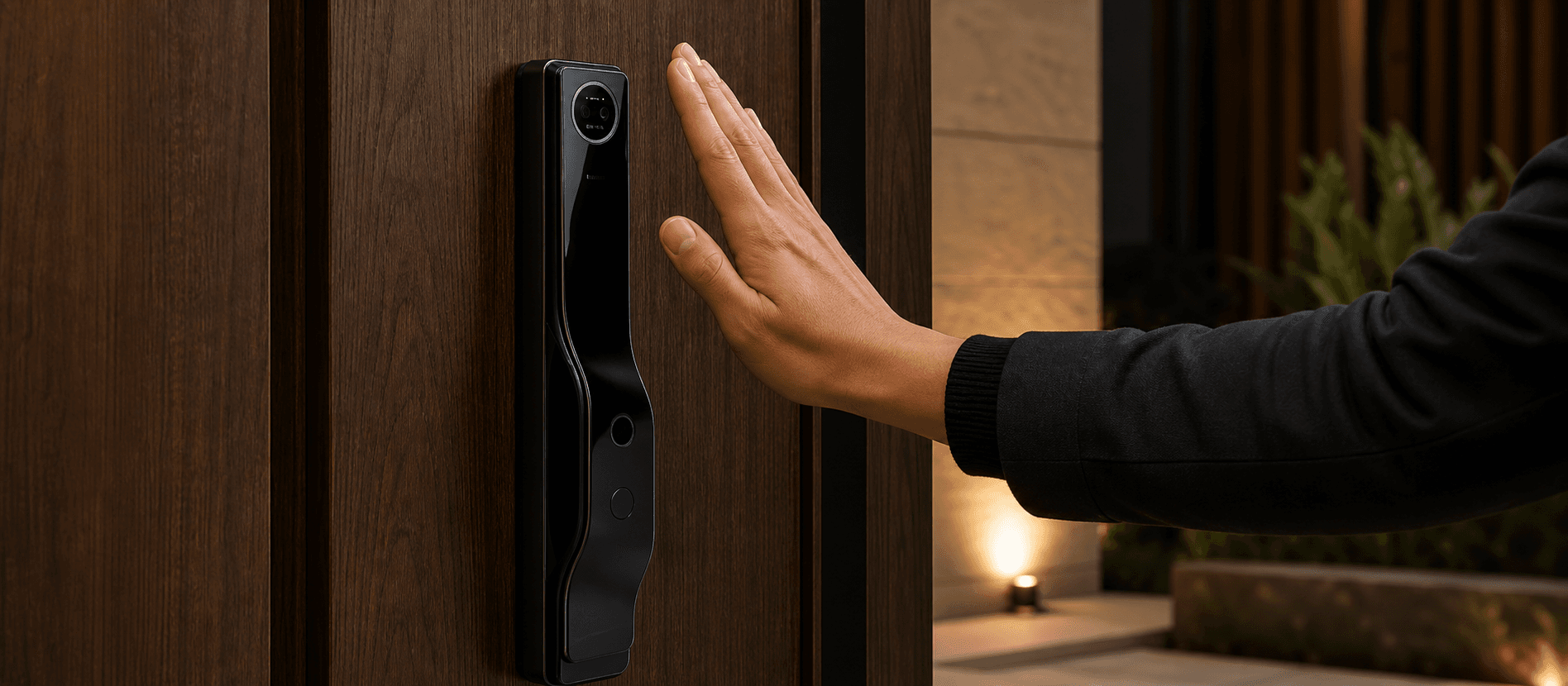
Buyers often say “Wi-Fi lock” when they mean “I want to unlock remotely.” These are not identical requirements.
Map each function:
| Required action | Local Bluetooth acceptable? | Gateway required? | Direct Wi-Fi/cloud acceptable? | Offline fallback |
|---|---|---|---|---|
| Enroll during installation | Define | Define | Define | Required method |
| Issue a temporary PIN | Define | Define | Define | What happens if lock is offline? |
| Remotely unlock | No/Yes | Location and power | Security approval | Mechanical/on-site process |
| Read event logs | Sync timing | Gateway coverage | Data retention | Local record behavior |
| Revoke a user | Propagation time | Online status | Cloud status | Expiry/failsafe |
| Update firmware | Local/remote | Network path | Change control | Recovery method |
Bluetooth can reduce continuous network dependence at the door, but remote functions may need a nearby powered gateway with stable Wi-Fi. Direct Wi-Fi can simplify the topology but may have different power and commissioning considerations. Zigbee or other networks add their own hub and coverage requirements. The exact trade-off belongs to the selected hardware.
Decision 3: Temporary Password and Credential Workflow
Do not stop at “temporary password supported.” Test the complete lifecycle:
- Create a one-time, time-bounded, and recurring credential where required.
- Confirm the lock's clock and time zone.
- Deliver the credential through the intended user channel.
- Use it while the lock is online and under the planned offline condition.
- Modify or revoke it.
- Verify event history and administrator visibility.
- Transfer or remove lock ownership at tenant, guest, installer, or staff turnover.
Tuya's documentation shows that temporary-password formats and behavior can vary by lock type. TTLock exposes eKey, passcode, and gateway operations in its lock-focused APIs. The procurement team should turn these platform capabilities into an acceptance test for the exact configuration.
Decision 4: Gateway Planning
A gateway is infrastructure, not a minor accessory. For every site, define:
- Compatible gateway model and firmware.
- Maximum recommended lock-to-gateway distance and actual wall/door conditions.
- Locks per gateway under the proposed design.
- Wi-Fi band, signal, firewall, captive portal, and power requirements.
- Account used for pairing and the process for site handover.
- Offline behavior and how staff recognize a gateway outage.
- Spare gateway strategy and replacement procedure.
SINON's current catalogue includes a Tuya gateway and TTLock G3, G3P, and G6P options, but compatibility and supported functions must be confirmed against the selected lock. A catalogue gateway should never be added to a quotation without a site and workflow reason.

Decision 5: App, Branding, and Account Ownership
Private-label buyers need more than a custom logo on the lock. Ask:
- Which app will the customer download?
- Whose developer, cloud, and store-publisher accounts are used?
- Is the app standard, panel-customized, or fully branded?
- Who maintains operating-system compatibility and publishes updates?
- Which languages are included and who reviews translations?
- Who owns product IDs, device data, users, and API credentials?
- Can the brand change supplier without losing operational continuity?
- What happens if the platform plan, fee, or service region changes?
- Which privacy policy, terms, and support contact does the end user see?
Put the answers in the contract and support plan. A demo app login does not establish long-term ownership.
Decision 6: API and Integration Requirements
If the project needs a property-management system, booking workflow, building platform, or internal dashboard, write use cases before discussing an API.
For each integration, define the initiating system, user role, lock or site scope, credential type, expected response, error behavior, audit record, and revocation path. Then verify:
- Required API subscription and commercial plan.
- Regional endpoint and data location.
- Authentication and permission model.
- Rate limits and expected deployment scale.
- Webhooks or polling behavior.
- Sandbox or test environment.
- Versioning, deprecation, and support.
- Responsibility for middleware and ongoing maintenance.
An “open API” badge is not evidence that a specific workflow is authorized, affordable, or already implemented.
Decision 7: Security, Privacy, and Lifecycle Support
Connected locks protect physical access, so platform due diligence should be proportional to the risk. Use the NIST IoT baseline as a structured questionnaire even when it is not a mandatory certification for the project:
- How is each device uniquely identified?
- Who can change security-sensitive configuration?
- How are credentials and data protected in storage and transit?
- Which local and network interfaces are exposed?
- How are signed or authorized updates delivered?
- How are vulnerabilities reported and communicated?
- What logs exist, who can access them, and how long are they retained?
- What is the support and update period?
- How is a lock securely reset, transferred, or decommissioned?
Also review the platform's current privacy, regional service, and data-processing terms with qualified advisers. Do not make a security or data-residency claim based only on the platform's country of origin.
Decision 8: Hardware Fit Still Comes First
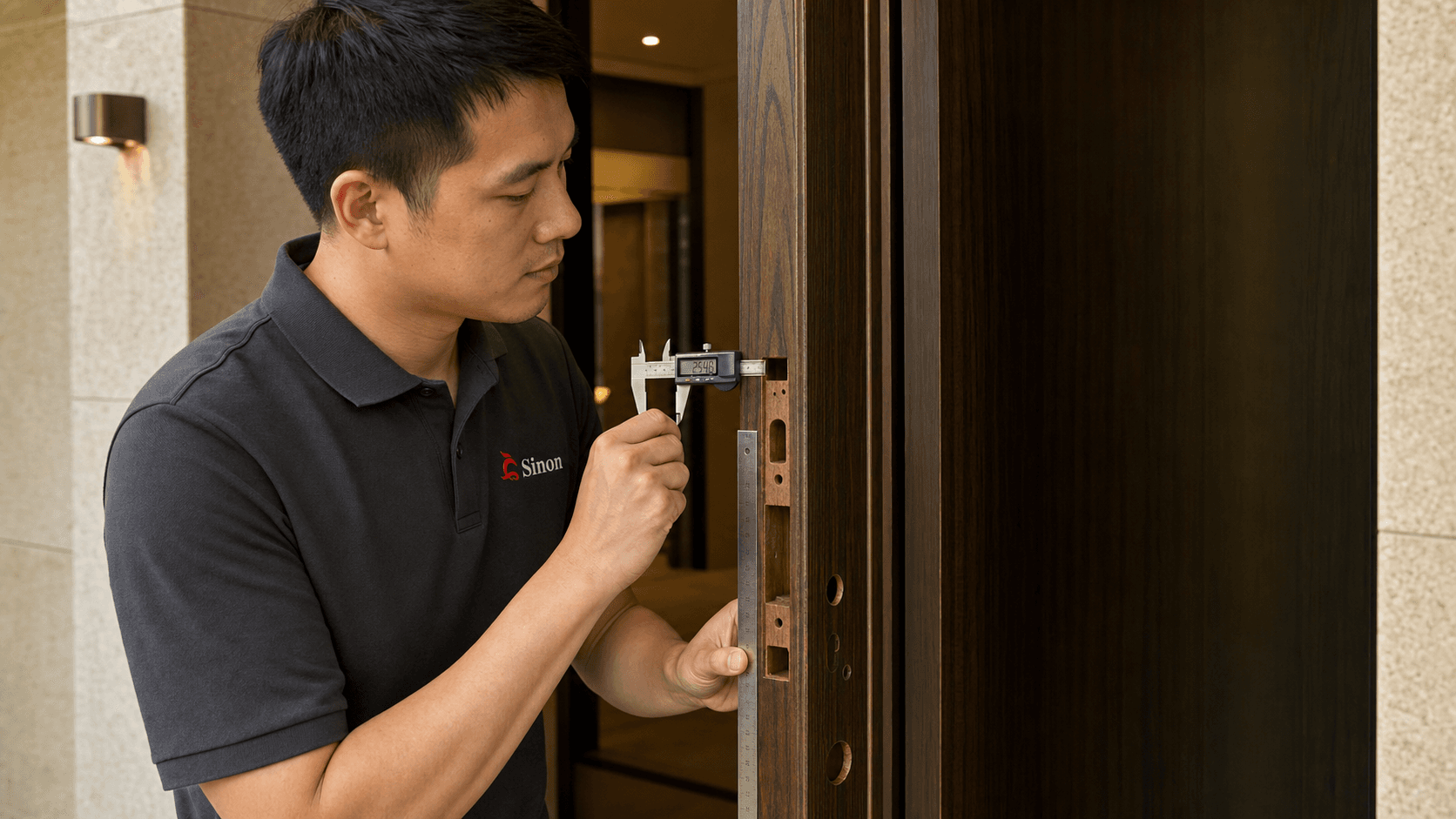
Tuya and TTLock do not fix a mismatched door. Confirm door material, thickness, opening direction, panel clearance, mortise or latch, backset, cylinder, strike, and environmental exposure before freezing the platform version.
In factory testing, verify both mechanical operation and software configuration. During shipment inspection, scan the sampled cartons and confirm that the installed radio/platform version matches the label and purchase specification. Visually similar panels can contain different modules.
A Pilot Test for Distributors and Projects
Run a pilot using production-intent locks, gateways, app accounts, and the real installation environment.
Day 1: Installation and enrollment
Record installation time, door modifications, pairing steps, administrator setup, and gateway placement. Confirm key override and emergency power.
Days 2–7: Normal operation
Use the expected mix of fingerprints, PINs, cards, app access, eKeys, or other supported methods. Monitor battery reporting, sync delay, event timestamps, connectivity, and user confusion.
Exception testing
- Internet disconnected.
- Gateway powered off.
- Phone outside Bluetooth range.
- Expired or revoked credential.
- Lock battery low or removed.
- Administrator phone replaced.
- Door mechanically misaligned.
- App or firmware update available.
Handover test
Transfer the lock or site to a new authorized administrator. Remove the installer and old users. Confirm data, credential, and support ownership.
The pilot report should state what passed, what failed, the platform/app/firmware versions, and the final configuration. A successful ten-minute demo is not a deployment test.
Which Platform Fits Each Buyer Type?
Smart-home distributor or consumer brand
Begin with Tuya if a wider connected-home ecosystem and unified app proposition are central. Compare the exact app branding, supported device categories, certification claims, data terms, and recurring costs.
Rental or apartment operator
Begin with the credential lifecycle. TTLock may deserve the first pilot when lock-specific user and gateway operations are the priority; Tuya may fit when access must join a broader apartment IoT environment. Test turnover, offline access, auditability, and administrator handover.
Door and hardware distributor
Consider carrying a clearly differentiated platform range only if the sales team can explain gateway and account differences. Too many visually similar versions increase picking errors and support cost. Use model codes and packaging labels that identify the platform.
OEM/private-label brand
Evaluate long-term app ownership, update responsibility, data terms, API entitlement, brand migration, and supplier change control. Hardware margin alone should not decide the platform.
Project contractor
Start with site workflow, network constraints, door schedule, commissioning, and who supports the operator after handover. Require a documented pilot and acceptance plan.
FAQ
Is Tuya better than TTLock?
Neither is universally better. Tuya is often shortlisted for broader IoT and smart-home positioning; TTLock is often shortlisted for lock-centric access management. The exact device, app, gateway, API, region, and workflow determine suitability.
Do Tuya and TTLock smart locks work without Wi-Fi?
Many configurations support local or offline functions, but behavior differs by hardware and credential type. Bluetooth locks can operate locally while remote actions may require a gateway and internet service. Test the planned offline scenarios.
Does remote unlocking require a gateway?
It depends on the lock's radio and architecture. A Bluetooth lock commonly needs a compatible gateway for remote cloud operations; a direct Wi-Fi lock may not. Confirm the exact model and action.
Can both platforms create temporary passwords?
Both platforms document temporary credential capabilities, but supported password types, creation method, offline behavior, and modification/revocation depend on the lock and configuration. Demonstrate the full lifecycle before ordering.
Can I put my brand on the app?
OEM app options may be available under specific platform plans and commercial terms. Confirm scope, setup and recurring cost, store publishing, updates, language, account ownership, and support responsibilities in writing.
Which platform is better for Matter?
Matter compatibility is model- and certification-specific, not a general result of choosing Tuya or TTLock. Verify the exact SKU, commissioning flow, supported ecosystem, certificate/listing where applicable, and functions exposed through Matter.
What should I include in a platform quotation request?
Include buyer type, country, quantity, door data, access methods, local/remote workflows, connectivity, gateway plan, app branding, API/integration, languages, compliance, data/security requirements, and after-sales responsibilities.
Conclusion
The practical Tuya-versus-TTLock decision starts with operations, not logos. Define the users, credentials, remote actions, integrations, network, account ownership, data requirements, and support model. Then test those workflows on the exact lock, gateway, app, and firmware that will ship. Tuya is a strong candidate for a broader IoT proposition; TTLock is a strong candidate for lock-focused access workflows. A documented pilot should make the final decision.
Evidence reviewed
This guide combines the current SINON portfolio context with the primary sources below. Regulations, platform capabilities and model configurations change; verify the exact SKU and destination-market requirements before purchase. AI images on this page are illustrations, not documentary proof of testing, certification or customer projects.
- Smart Lock Open APIsTuya Developer Platform · Checked August 4, 2026
- Smart-lock solution overviewTuya · Checked August 4, 2026
- Open Platform API documentationTTLock · Checked August 4, 2026
- Gateway help documentationTTLock · Checked August 4, 2026
- AI features and your websiteGoogle Search Central · Checked August 4, 2026
- Top ways to ensure your content performs well in Google's AI experiencesGoogle Search Central · Checked August 4, 2026