
Introduction
A smart lock quotation is more accurate when the supplier can review the real door, not only the product style. For B2B buyers, the same front-panel design may require different mortise bodies, door-thickness accessories, app versions, packaging or OEM scope.
If you are preparing a smart lock RFQ for distribution, OEM sourcing or a project purchase, start with the information that affects model matching. This helps SINON review whether A15, R10, D01 or another product direction should be quoted.
Short answer: Send your target market, estimated quantity, door material, door thickness, opening direction, existing mortise or latch size, required access methods, preferred platform, and OEM needs such as logo, finish or packaging. Photos of the door front, inside, edge and existing lock help the supplier review the right model before quotation.
Buyer and Market Information
Begin with the commercial context. A supplier needs to know whether the inquiry is for distribution, a brand program, a project order, a sample test or an early product comparison.
Useful information includes:
- Target market or delivery country.
- Buyer type, such as distributor, wholesaler, engineering company, smart-lock brand or OEM buyer.
- Estimated quantity or sample plan.
- Product family of interest, if already known.
- Any destination-market requirements that the buyer needs to verify.
Do not use this section to ask for an unsupported promise. If a certificate, test report or market requirement is critical, ask which documents can be reviewed for the selected model and order.
Door Information
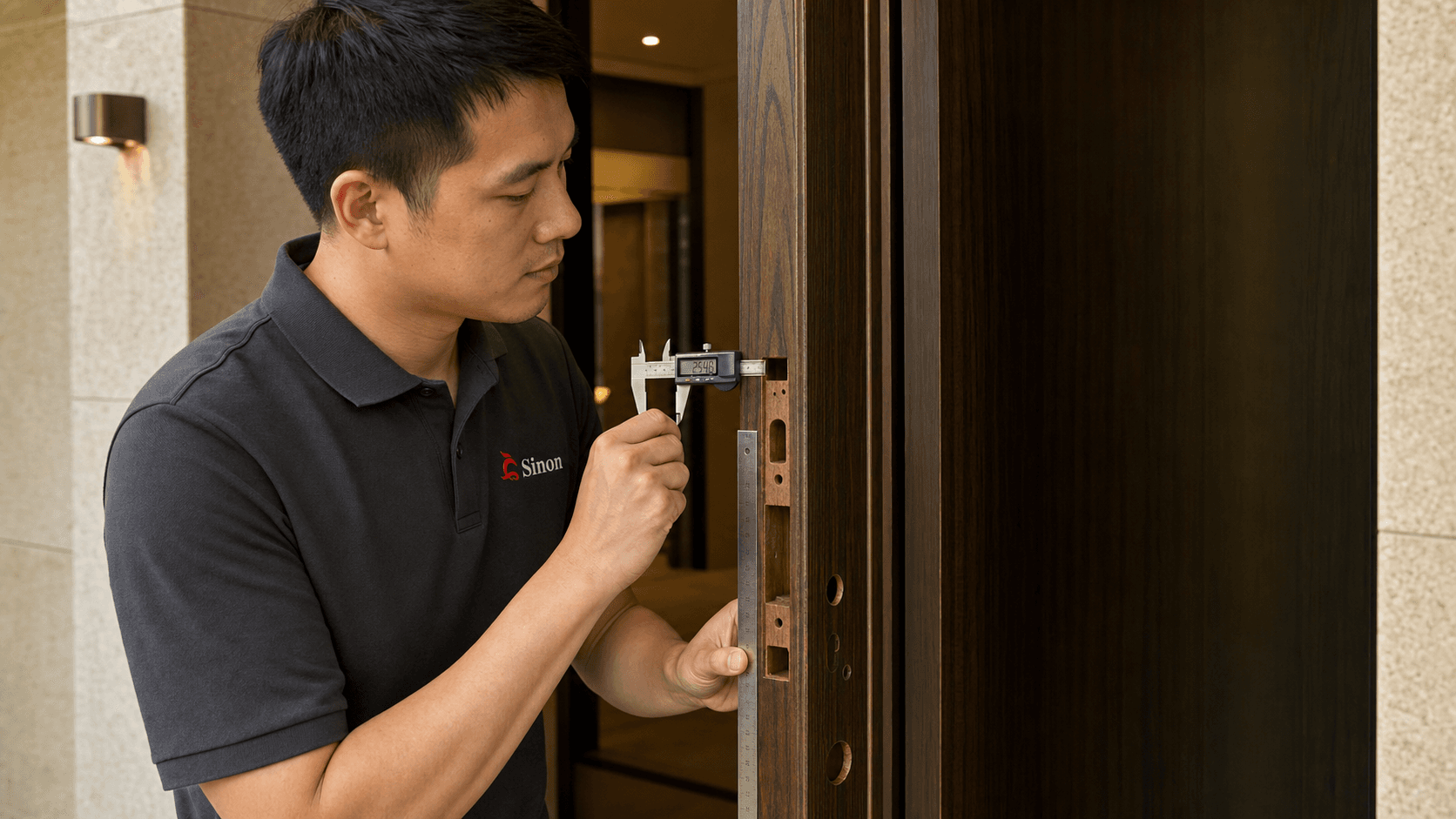
Door data is the core of a smart lock quotation. A product image cannot confirm whether a lock will fit the door.
At minimum, send:
- Door material, such as wooden door, iron door or security door.
- Door thickness in millimetres.
- Opening direction and hinge side, preferably with a marked photo.
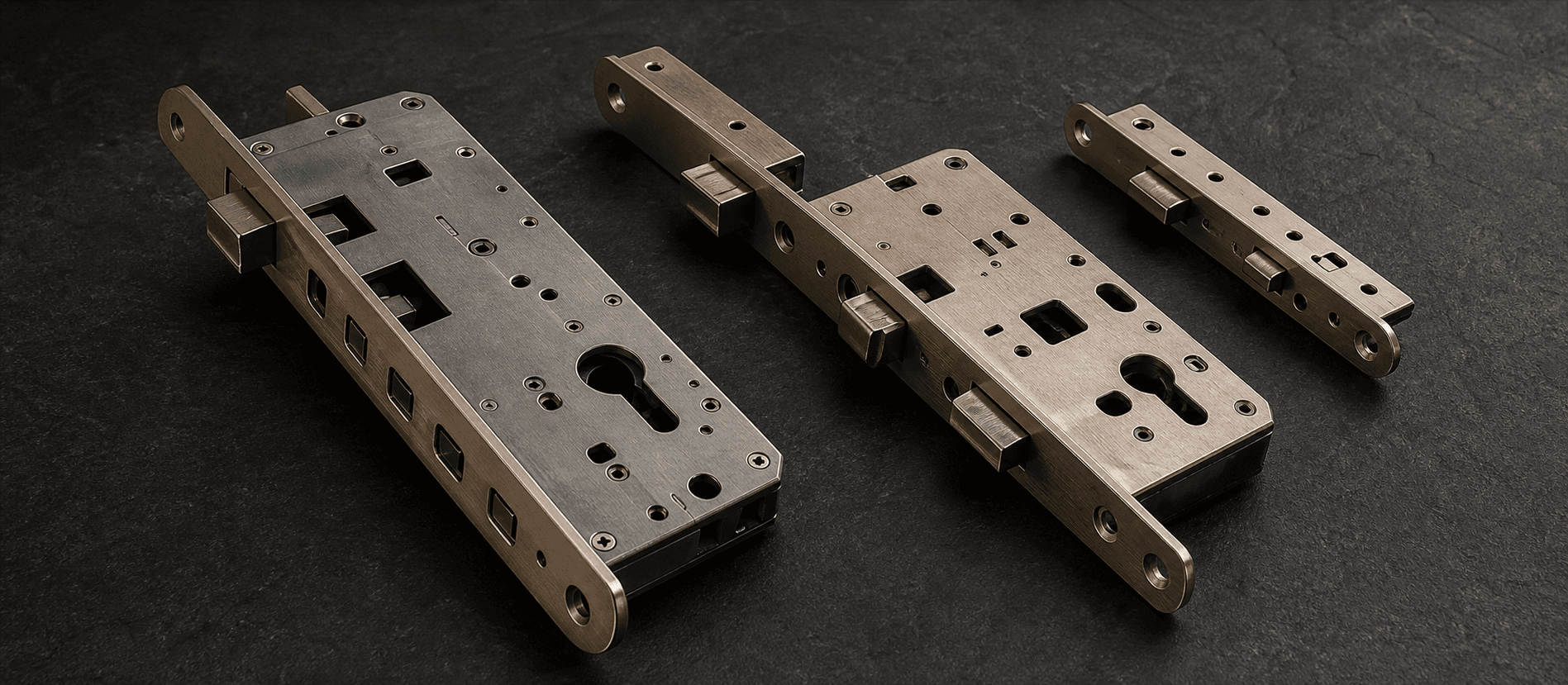
- Existing mortise, lock body or latch size.
- Existing cutout size and whether the door can be modified.
- Photos of the front, inside, door edge, strike area and existing lock.
For a deeper fitment review, use the smart lock door compatibility and mortise guide. Door thickness alone is not enough to confirm direct replacement.
Lock Function Requirements
Different buyers need different access methods. State which functions are required and which are optional.
Common access requirements include fingerprint, PIN, card, Bluetooth, app control, mechanical key, face recognition or palm-vein recognition. Availability depends on the selected model.
For confirmed SINON product directions:
- A15 supports fingerprint, PIN, card, Bluetooth and mechanical key access.
- R10 supports 3D face recognition, palm vein, fingerprint, PIN, card, Bluetooth and mechanical key access.
- D01 supports fingerprint, PIN, card, Bluetooth, mechanical key and app access.
Avoid mixing functions from different products unless you want SINON to review alternatives. A function that exists on R10 should not be assumed for A15 or D01.
Platform and Connectivity
Platform choice affects app workflow, connected version and quotation. Write the platform requirement clearly instead of only saying "app control".
Confirmed platform information:
- A15 can be reviewed in Standard, Tuya Wi-Fi, TTLock Bluetooth and Zigbee versions.
- R10 supports Tuya Wi-Fi or Tuya Zigbee on the Tuya platform only. It does not support other apps.
- D01's confirmed connected version is Tuya Wi-Fi on the Tuya platform.
If your project needs another platform, API workflow or smart-home ecosystem, mark it as a requirement to confirm. Do not assume Matter, HomeKit or another app is available unless it has been confirmed for the selected product.
OEM and Packaging Requirements
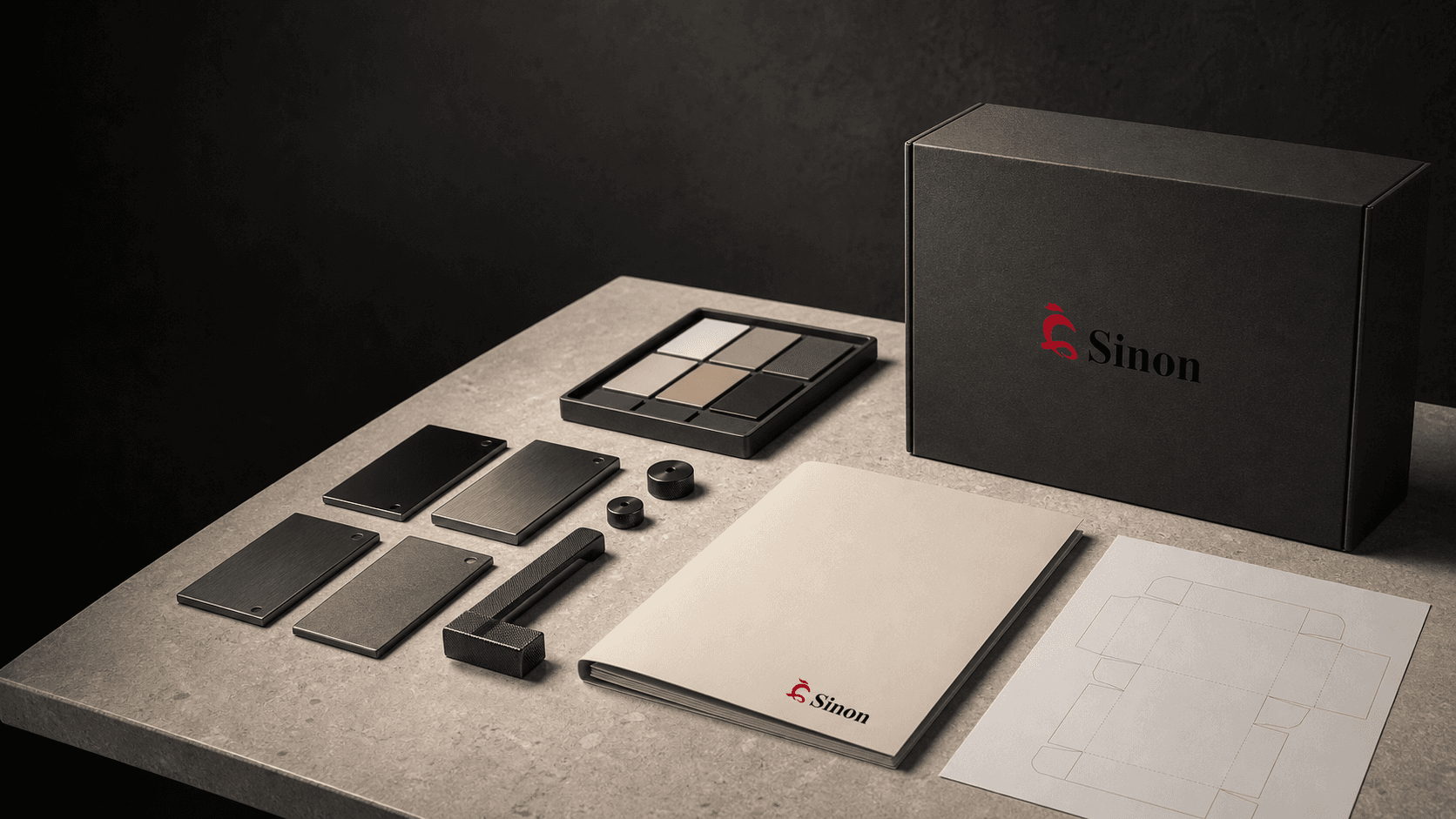
OEM scope can affect cost, production communication and sample approval. Include these items early:
- Logo requirement.
- Finish or color requirement.
- Packaging requirement.
- Manual or label requirement.
- Any market-specific text or language requirement.
If you do not have confirmed artwork or packaging rules yet, state that the RFQ is preliminary. This is better than forcing the supplier to quote a vague private-label scope.
Quantity, Sample and Order Planning
Estimated quantity helps the supplier understand whether the request is a sample review, distributor stocking plan or larger project order. It does not replace product specification.
For D01 only, current confirmed data records sample lead time of 3-5 days and bulk order lead time of 7-10 days. Do not apply that timing to A15, R10 or other models unless it is confirmed in the quotation.
If you need samples first, explain what the sample must prove: door fit, access methods, app workflow, finish, packaging or internal approval.
Product Matching Examples
These examples show how confirmed product facts can guide the RFQ. They are not project cases.
A15 quotation direction
Use A15 as the starting direction when the request is for an indoor smart lock for wooden doors. Confirm 40-90 mm door thickness, opening direction, mortise option and existing cutout size before quotation. A15 uses 4 AAA batteries and has an emergency power port, but fixed runtime and connector type should not be promised without confirmation.
R10 quotation direction
Use R10 as the starting direction when the inquiry needs biometric access for a wooden or iron entrance door. Confirm 40-120 mm door thickness, 6068 or 6085 mortise, Tuya Wi-Fi or Tuya Zigbee requirement, and whether the buyer accepts Tuya as the only supported platform.
D01 quotation direction
Use D01 as the starting direction for an indoor smart deadbolt with Single Latch needs. Confirm 35-55 mm door thickness, Tuya Wi-Fi requirement and indoor use. D01 is not suitable for outdoor use because it is not waterproof, and no certification is currently confirmed.
RFQ Checklist Table
| RFQ item | What to send | Why it matters |
|---|---|---|
| Target market | Country or region | Helps review language, platform and document needs |
| Quantity | Sample quantity or estimated order quantity | Helps frame quotation and order planning |
| Door material | Wooden, iron, security door or other | Filters product direction |
| Door thickness | Measured value in mm | Affects fit and accessories |
| Opening direction | Photo or diagram | Reduces handing mistakes |
| Mortise or latch | Model, drawing or measured size | Determines mechanical compatibility |
| Existing cutout | Photos and measurements | Helps judge whether replacement is possible |
| Access methods | Required and optional functions | Matches A15, R10, D01 or another direction |
| Platform | Tuya, TTLock, Zigbee, Standard or to be confirmed | Affects connected version |
| OEM scope | Logo, finish, packaging, manual | Affects quotation scope |
FAQ
What information should I send before requesting a smart lock quotation?
Send target market, estimated quantity, door material, door thickness, opening direction, existing mortise or latch size, required access methods, preferred platform and OEM needs. Add clear photos of the door front, inside, edge and existing lock.
Can I request a quotation with only a product photo?
You can start a discussion with a product photo, but it is not enough for a reliable quotation. Door thickness, mortise or latch details, opening direction and platform requirements still need review.
Should I choose the product first or send the door details first?
Start with the door details. SINON can then review whether A15, R10, D01 or another model direction is more suitable.
Conclusion
A good smart lock RFQ is a product and door brief, not only a price request. Send the real door data, access methods, platform needs, quantity and OEM scope before asking for a final quotation.
To prepare the next step, review SINON products, check custom application requirements, or send your RFQ through the quotation form.
Evidence reviewed
This guide combines the current SINON portfolio context with the primary sources below. Regulations, platform capabilities and model configurations change; verify the exact SKU and destination-market requirements before purchase. AI images on this page are illustrations, not documentary proof of testing, certification or customer projects.